
Description
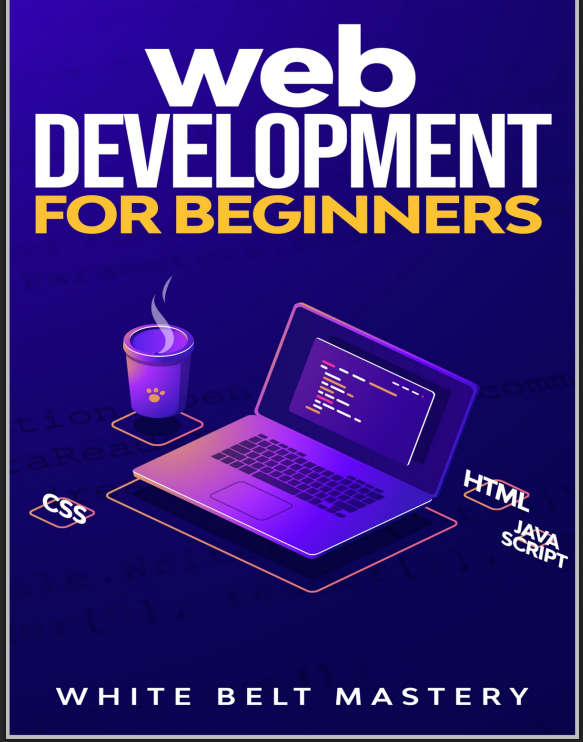
Web Development for Beginners: Learn HTML, CSS & JavaScript Step by Step
Kickstart your coding journey and build real web pages from scratch. This beginner-friendly course walks you through the core building blocks of the web—HTML, CSS, and JavaScript—with bite-size lessons and hands-on projects. No prior experience needed.
What you’ll learn
-
Structure pages with HTML5 (semantic tags, links, images, forms)
-
Style layouts with CSS3 (selectors, Flexbox, Grid, responsive design)
-
Add interactivity with JavaScript (variables, functions, DOM, events)
-
Work with APIs & JSON using
fetch() -
Debug with Chrome DevTools and manage code with Git & GitHub
-
Deploy your site with GitHub Pages/Netlify and follow basic accessibility best practices
Course outline (Step by step)
-
Setup & Tools: VS Code, extensions, live server, DevTools
-
HTML Basics: document structure, text, media, links, lists, forms
-
CSS Essentials: the box model, typography, colors, spacing, selectors
-
Layout Mastery: Flexbox, CSS Grid, responsive breakpoints, mobile-first
-
JavaScript Fundamentals: data types, control flow, functions, arrays, objects
-
DOM & Events: selecting elements, modifying styles/content, form validation
-
APIs & Async:
fetch, promises, rendering data, simple error handling -
Project & Deployment: polish, test, host, and share your portfolio
Projects you’ll build
-
Responsive landing page
-
Personal portfolio site
-
Interactive to-do app (JS + localStorage)
-
Mini API app (e.g., weather or quotes)
Reviews
There are no reviews yet.